System Properties
In the Operator portal, navigate to the System Properties page, which lists the available pre-defined system properties. See List of System Properties, which lists some of the system properties that you can modify as an Operator.
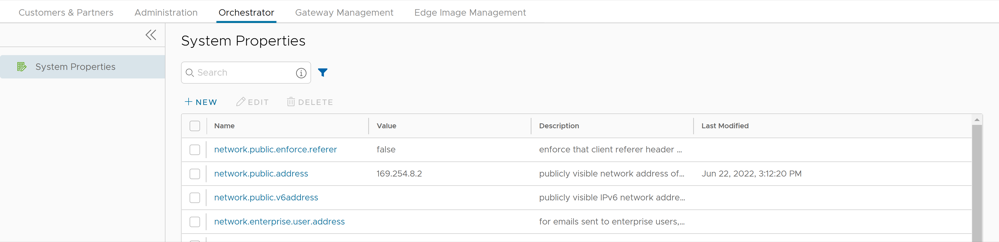
To configure the system properties:
- In the New System Property window, configure the following parameters:
Figure 2. New System Property 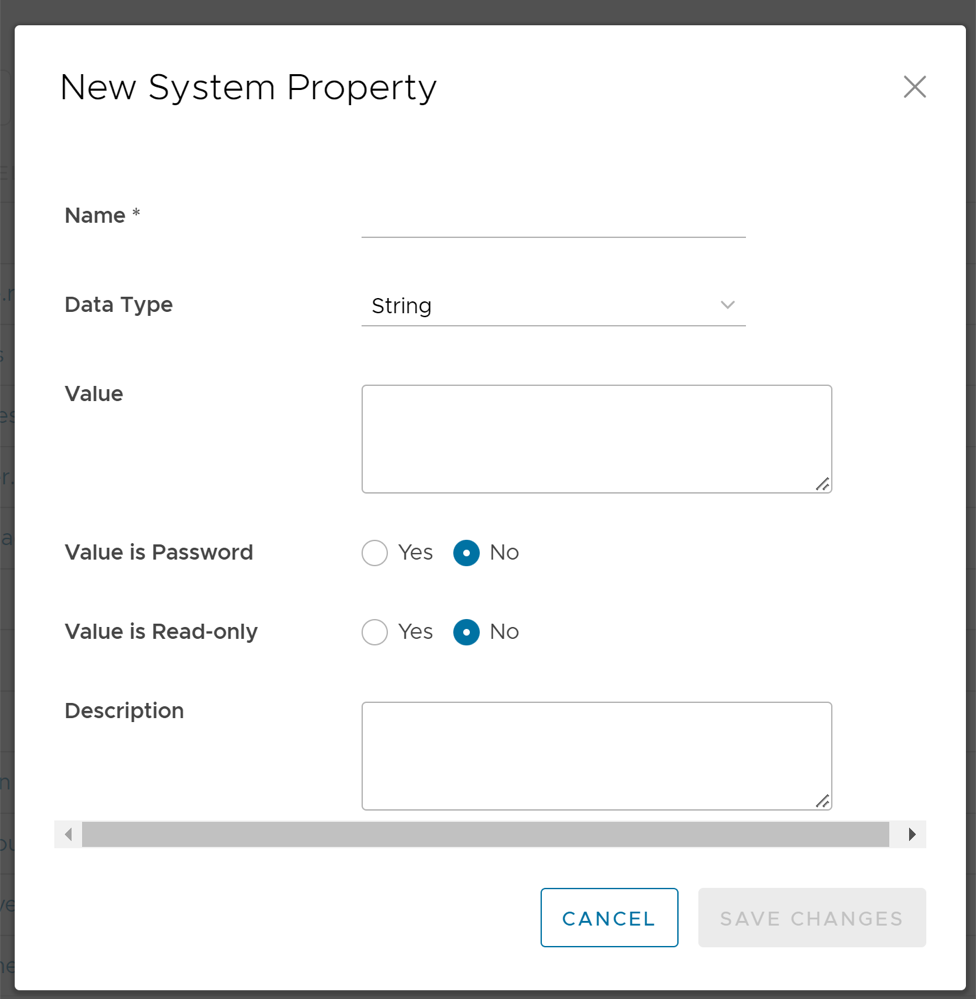
Table 1. New System Property- Options and Descriptions Option Description Name Enter the Name for the new system property. Data Type Choose the required Data Type from the drop-down menu. Value Enter the Value for the property according to the data type. Value is Password Select Yes or No as required. Value is Read-only Select Yes or No for as required. Description Enter the Description for the new system property