System Properties
In the Operator portal, navigate to the System Properties page, which lists the available pre-defined system properties. You can modify some of the system properties as an Operator.
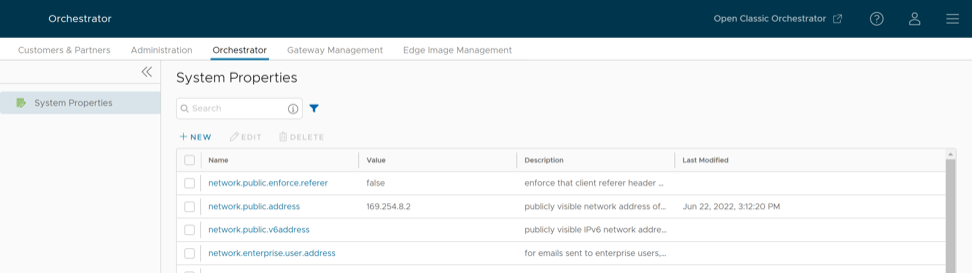
To configure the system properties:
- In the New System Property window, configure the following parameters:
Figure 2. Create New System Property 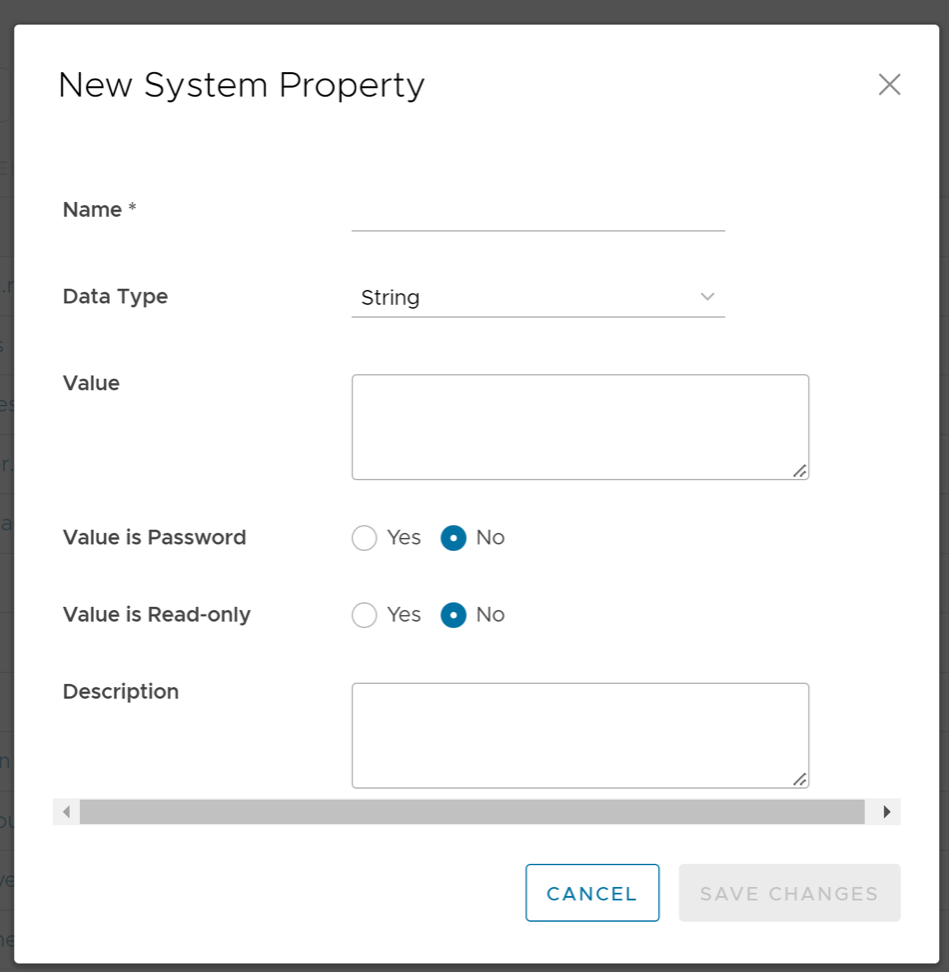
Table 1. New System Property Option Descriptions Option Description Name Enter the Name for the new system property. Data Type Choose the required Data Type from the drop-down menu. Value Enter the Value for the property according to the data type. Value is Password Select Yes or No as required. Value is Read-only Select Yes or No as required. Description Enter the Description for the new system property.