The Diagnostic Bundle Assistant feature enables users to run the Diagnostic Bundle analysis through the VeloBrain chat interface.
Diagnostic Bundle Assistant is the VeloBrain capability that turns a raw VeloCloud Diagnostic Bundle from an Edge into a targeted, natural-language diagnosis. Instead of downloading the ZIP, extracting it, and manually scanning through dozens of log and command files, a user can ask a question in VeloBrain, and the Diagnostic Bundle Assistant analyzes the required bundle and provides results.
To perform an analysis, follow the steps below:
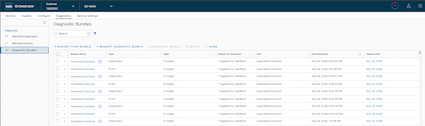
In the Operator or Partner portal, click Diagnostics > Diagnostic Bundles.
Figure 1. Diagnostic Bundles
The VeloBrain in-context launch icon appears next to all completed Diagnostic Bundles, on VeloCloud Orchestrators 7.0.1 and later.
Note: For Enterprise users or older Orchestrator versions that do not display the VeloBrain in-context launch icon, users can perform the analysis through the VeloBrain chat interface landing page by entering the Bundle Hash of the Diagnostic Bundle that needs analysis. Users can target a specific bundle by referencing its Bundle Request ID or by using recency-based phrasing such as Analyze the latest bundle from edge b1-edge1. Users can specify any descriptive parameter that uniquely identifies the target bundle.
To analyze a bundle, click the VeloBrain in-context launch icon next to it.
The VeloBrain chat interface appears, and the analysis begins.
Note:
The analysis might take 5 to 10 minutes, depending on the bundle size.
While the analysis is running, users can close the window or return to another query in the Conversation History. This does not disturb the analysis.
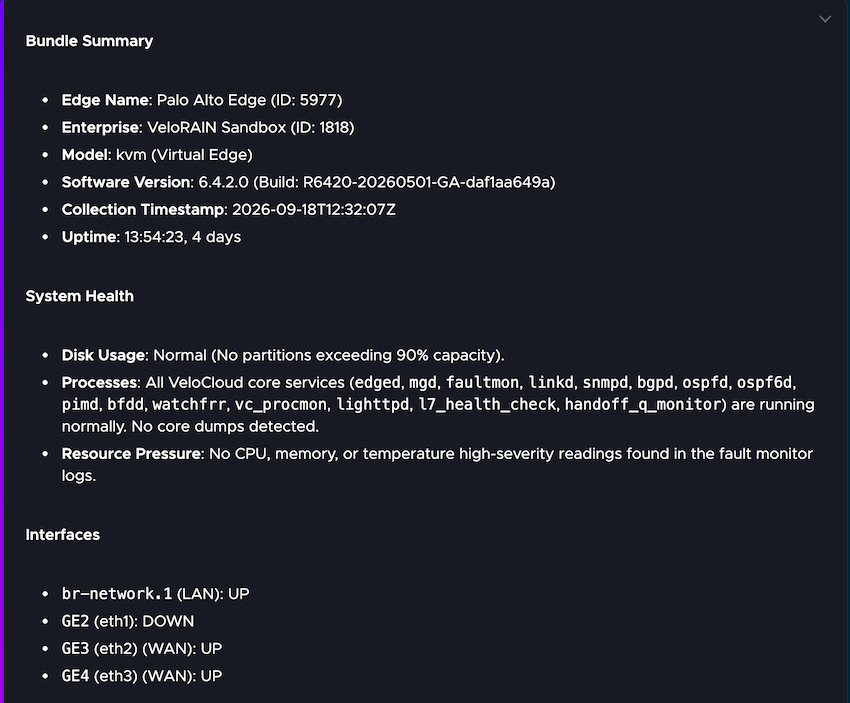
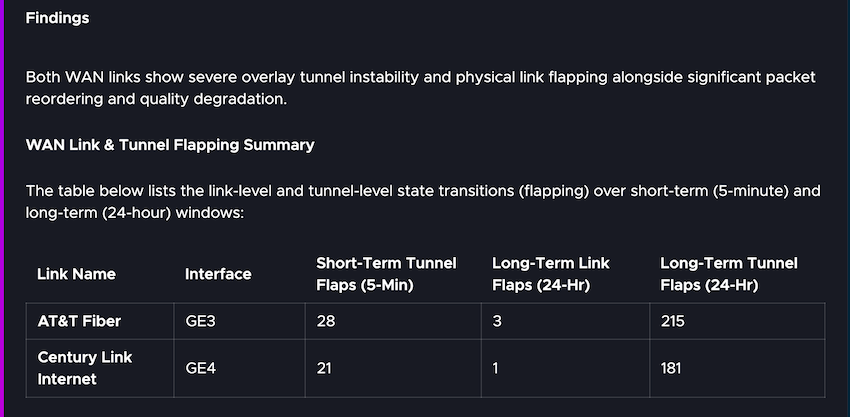
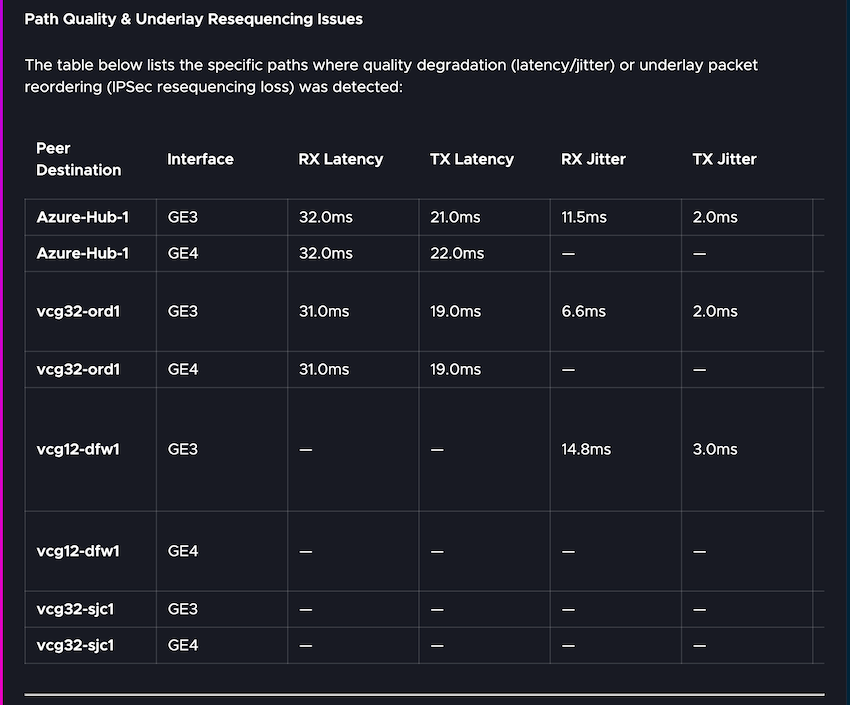
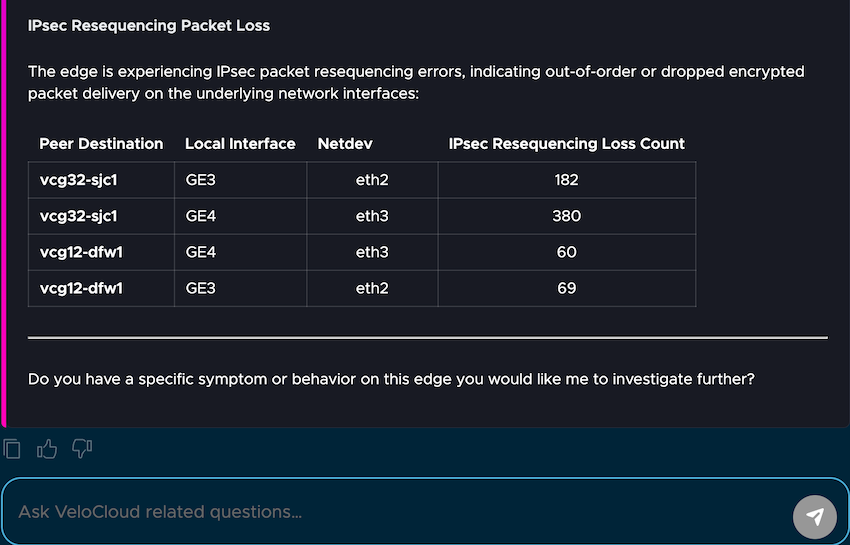
After the analysis is complete, the screen displays detailed results. Following is an example:
Figure 2. Diagnostic Bundle Insights - Results
Click the copy button to copy the latest chat results. This does not copy the complete transcript.
Click the download icon on the chat interface to download the transcript in ".md" and an HTML files.
After studying the results, users can ask any follow-up questions, if required.
Note: During initial bundle analysis, VeloBrain downloads and indexes the bundle as part of its standard preprocessing stage. The outputs of these preprocessing steps (which are query-independent) are cached. If a subsequent request targets a previously processed bundle, VeloBrain reuses the cached preprocessing artifacts rather than re-executing those steps. However, user-submitted queries and user-specific analysis results are explicitly excluded from cross-user caching and remain isolated.