Configure Custom Applications
- To access this feature, from the Partner portal, select .
The Custom Applications screen displays:
Figure 1. Custom Applications 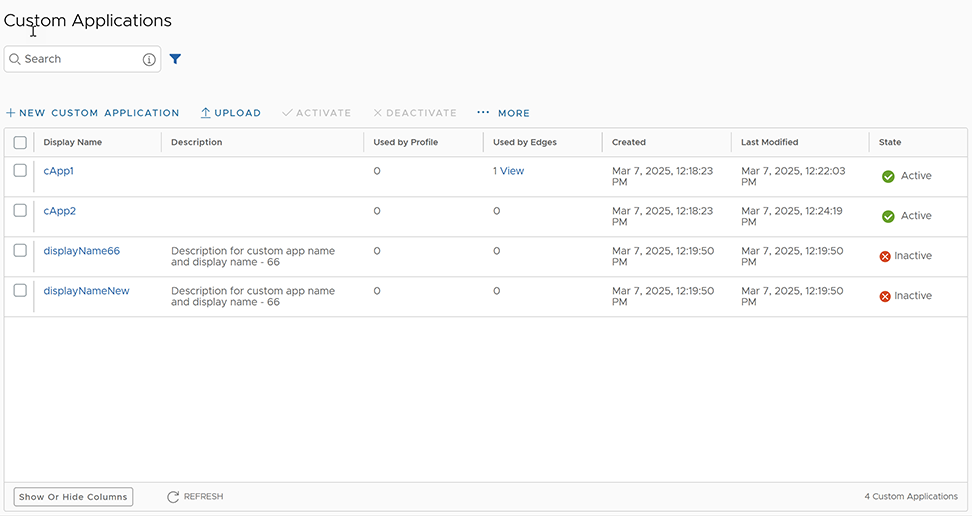
- Use the new Custom Application to create Business Policy and Firewall rules at the Edge or the Profile level.
- For Edge level creation, go to .
- Select an Edge, then select .
- In the Application field, select Define, and select the Custom Application.
- Select Save Changes.
- For Edge level creation, go to .
- Select an Edge then select .
- Under Firewall Rules, select New Rule.
- In the Application field, select Define, then select the Custom Application. Select Save Changes.
Note:
- The Application menu lists all applications created through both, Application Maps and Custom Applications. A label displays next to all custom applications for easy identification purpose.
- Use the steps for the Edge level creation of Business Policy and Firewall rules. You can follow the same steps for creating these rules at Profile level by navigating to .
The Used By Profile and Used By Edges columns on Custom Applications display the details of the Profile and Edge(s) using the corresponding Custom Application. You cannot deactivate the Custom Applications associated with a Profile or an Edge.
- To monitor Custom Applications, go to .
Create New Custom Application
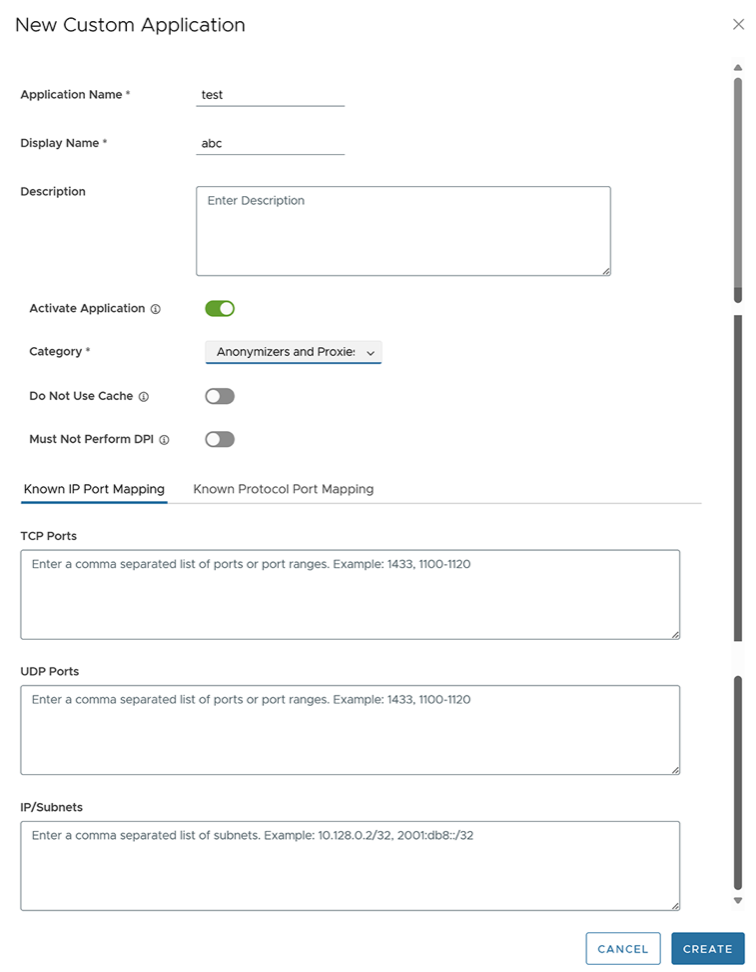
Use the following steps to create a new Custom Application:
- From the Partner portal, select . The following screen appears:
Figure 2. New Custom Application