Security Service Edge (SSE)
Starting from the 5.4.0 release, VeloCloud SD-WAN supports the Security Service Edge (SSE) feature. This feature allows VeloCloud SD-WAN to easily integrate with a third party SSE vendor using seamless automation through the Orchestrator. You can configure multiple SSE integrations with the same vendor.
To access the SSE feature, navigate to . By default, the SSE Integrations tab is displayed. Before creating an SSE Integration, users must first create an SSE Subscription.
For an Enterprise user, the Security Service Edge (SSE) feature is activated by default. This feature supports PAN Prisma and Symantec configurations. Starting with the 7.0.1 release, the feature also supports Netskope configuration.
- VeloCloud SD-WAN Configuration Guide SSE for PAN Prisma
- VeloCloud SD-WAN Configuration Guide SSE for Symantec
- VeloCloud SD-WAN Configuration Guide SSE for Netskope
To edit the existing SSE integration, select the SSE integration from the list on the Security Service Edge (SSE) screen, and then click Edit. Alternatively, click the SSE integration name link to edit it.
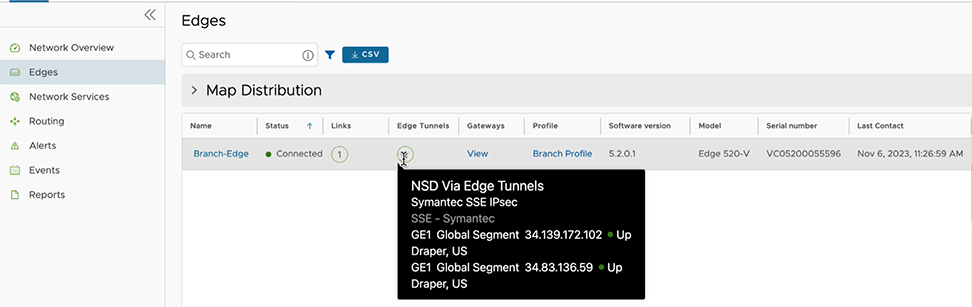
- Associate the Security Service Edge Subscription to an Edge. For more information, see the VeloCloud SD-WAN Administration Guide.
- Direct the network traffic to a specific Enterprise Cloud. Navigate to . Click + Add to add a new rule. For more information, see the VeloCloud SD-WAN Administration Guide - Create Business Policy Rule.