Monitor Events
The Partner super user and Partner admin user can view the partner events.
- Select to view the events.
Figure 1. Monitor Partner Events 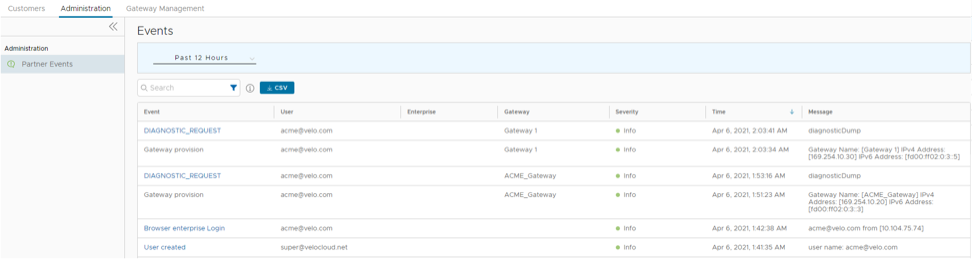
The page displays the recent events. You can click the link to the events to view additional details.
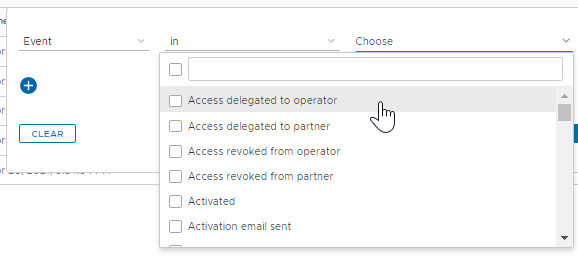
Note: The Events Page displays a maximum of 2048 Events. To view specific Events, you can use the Filter option. - In the Search field, enter a term to search for specific details. Select the Filter Icon to filter the view by a specific criteria. In the Filter, choose Event and click the drop-down arrow next to the field to view the list of Partner Events available and to filter by specific Events.
Figure 2. Search Events using Filter