View Partner Information
To view the configured Partner information for a selected Partner, use the following steps:
- On the Partner portal, select Administration, then select Partner Configuration. The Partner Overview page with the following information displays for the selected Partner.
Figure 1. Partner Overview 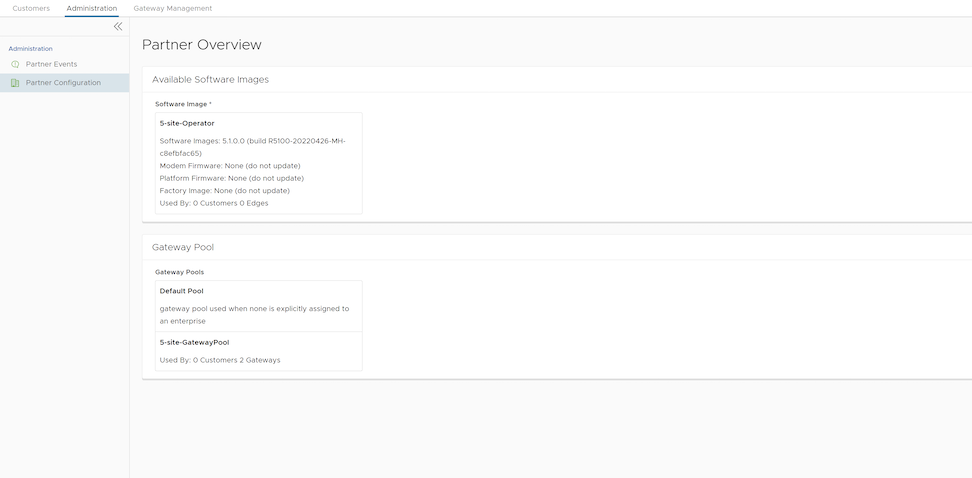
Table 1. Partner Overview - Options and Descriptions Option Description Available Software Images Displays all the software images assigned to the Partner by the Operator. You can assign the software images to your Enterprise customers from this list. Gateway Pool Displays the Gateway pools assigned to the Partner by the Operator. You can assign the Gateway pools to your Enterprise customers from this list.