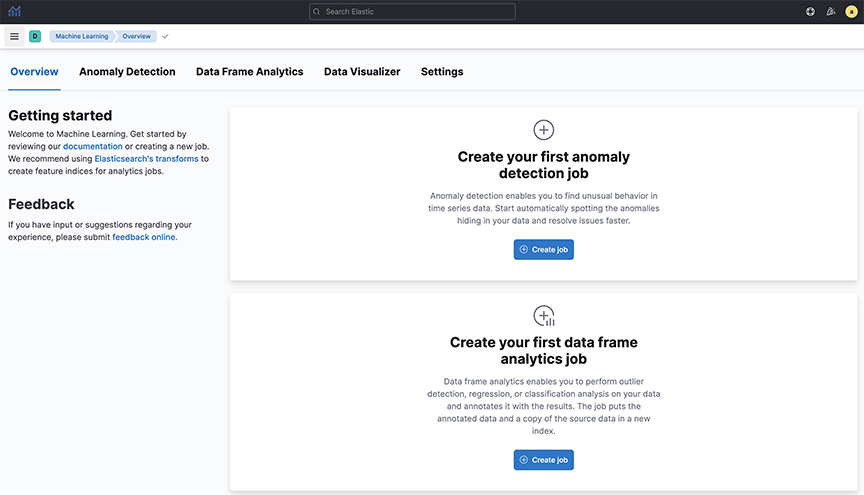
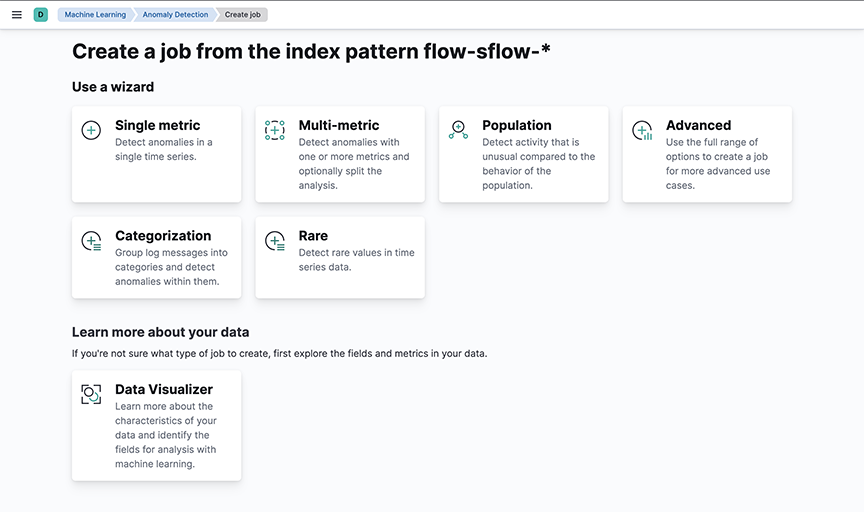
Arista Analytics uses machine learning for anomaly detection. The following jobs are available:
Single-metric anomaly detection
Multimetric anomaly detection
Population
Advanced
Categorization
Figure 1. Machine Learning
For every job, a job ID must be configured. To create a machine learning job:
Select the time range
Select the appropriate metric
Enter details: job ID, description, custom URLs, and calendars to exclude planned outages from the job
Figure 2. Machine Learning Job options
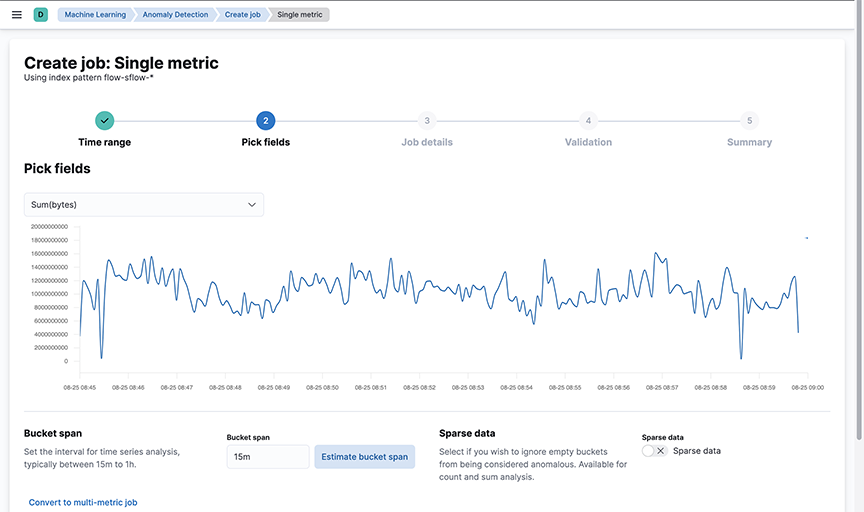
Single-metric anomaly detection uses machine learning on only one metric or field.
Figure 3. Single-metric Anomaly Detection
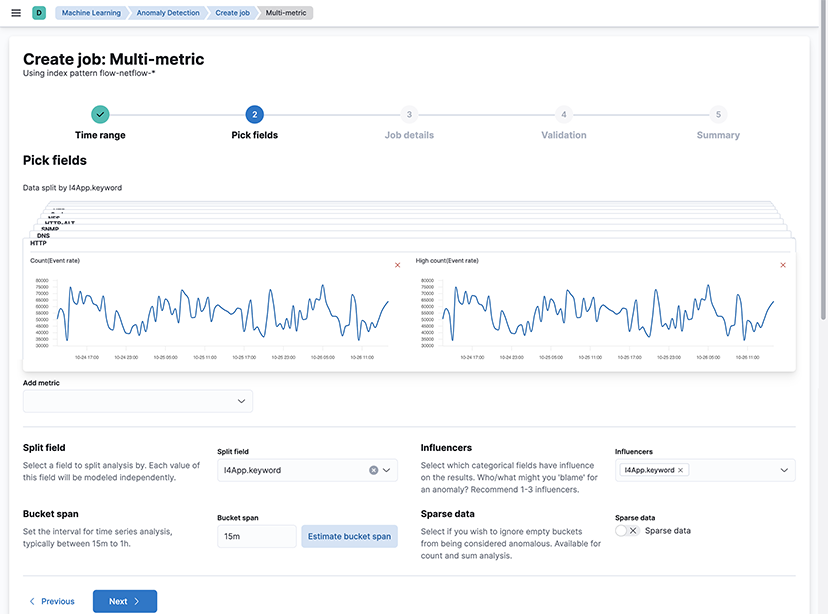
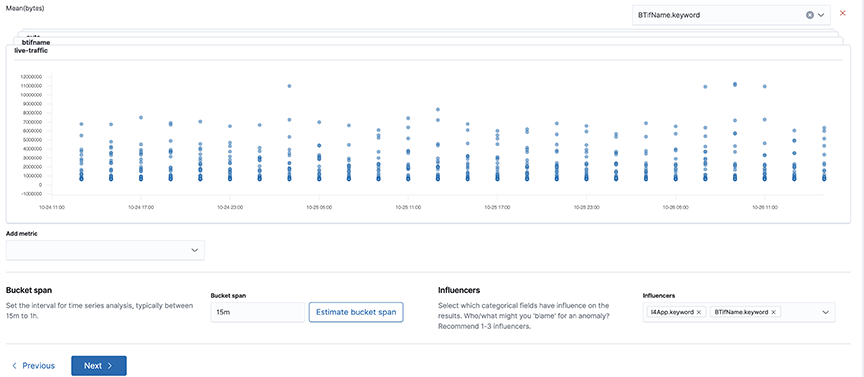
The following image uses two metrics: over and running ml per L4 app.
Figure 4. Multimetric Anomaly Detection
Multimetric Anomaly Detection detects network activity that differs from the population of data points. Arista Networks recommends this analysis for high-cardinality data.
Figure 5. Population
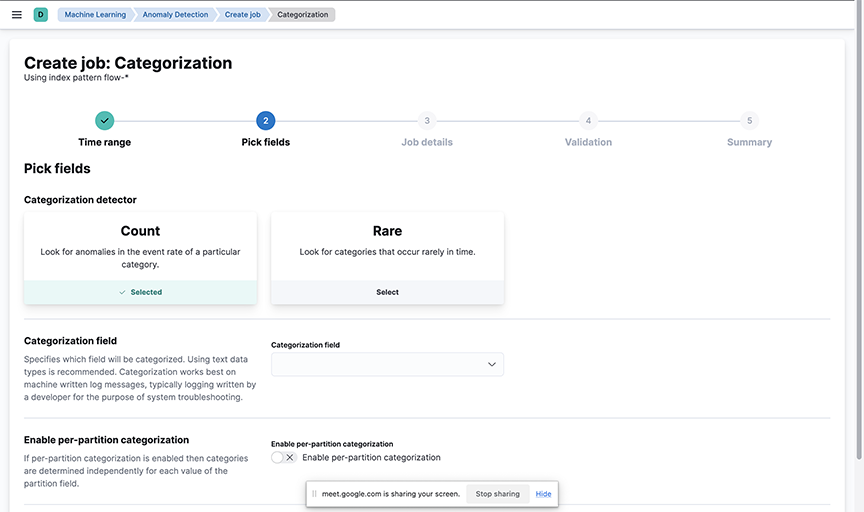
This job groups data points into categories and then finds anomalies between them.
Figure 6. Categorization
Anomalies
Use the following features to recognize unusual activity or events on the network.
Identify any unusual activity by comparing the same dashboard over the past 1 hour to the same time last week's data. For example, the bar visualization of traffic over time shows changing ratios of internal to external traffic, which can highlight an abnormality.
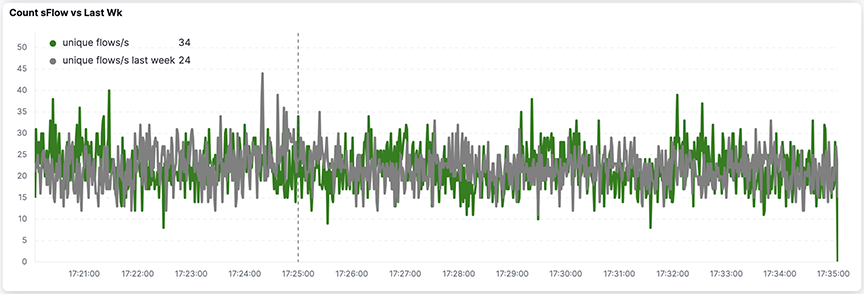
The Count sFlow vs Last Wk visualization in the sFlow® dashboard shows the number of unique flows being seen now compared to last week. This visualization indicates unusual network activity and will help pinpoint a Denial of Service (DOS) attack.
Figure 7. Count sFlow vs Last Wk
In a well-inventoried environment, use the New Flows & New Hosts report.
Figure 8. Production Traffic
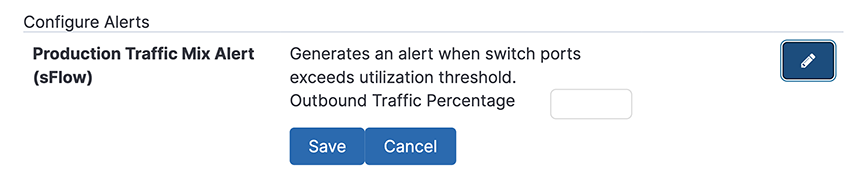
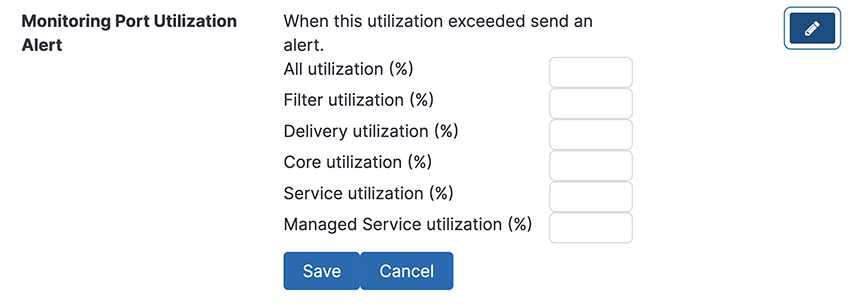
Configure utilization alerts associated with the following DMF port types:
Filter
Delivery
Core
Services
Figure 9. Monitoring Port Utilization Alerts
The other alerts available include the following.
The percentage of outbound traffic exceeds the usual thresholds.
New hosts appear on the network every 24 hours.
Figure 10. New Host Report
Perform Anomaly Detection in data over byte volume and characteristics over time using machine learning.
Figure 11. Machine Learning
Application Data Management
Application Data Management (ADM) helps users govern and manage data in business applications like SAP ERP. To use Arista Analytics for ADM, perform the following steps:
Pick a service IP address or block of IP addresses.
Identify the main body of expected communication with adjacent application servers.
Filter down to ports that need to be communicating.
Expand the time horizon to characterize necessary communication completely.
Save as CSV.
Convert the CSV to ACL rules to enforce in the network.