
Configuring the Arista NDR Platform
After the appliances are physically installed and cabled up, the next step is software configuration of the individual Arista NDR appliances, which, after configured, will combine to become the Arista NDR Platform:
Connecting to the Admin CLI
You can access the CLI by physically connecting a monitor and a keyboard to the Arista NDR appliance SKU. The following screen is displayed:
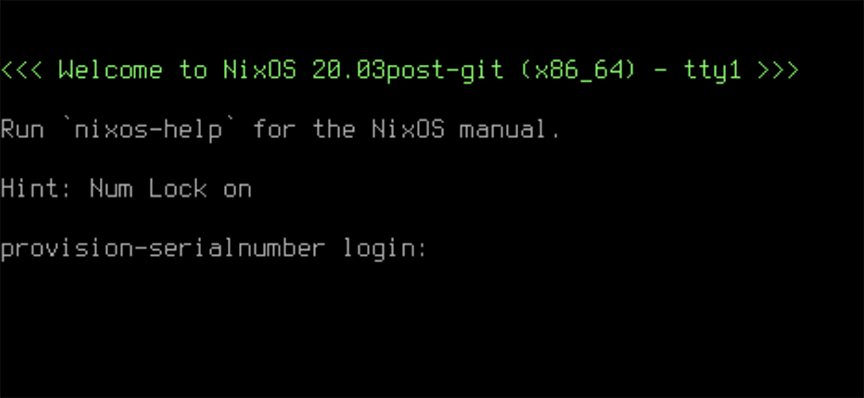
Note: Enter the username as admin and the password provided by the Arista technical support.
Configuring the Appliance
Configure the following networking parameters in Arista NDR appliances:
Note: If configuring all networking parameters simultaneously, you can run the apply and reboot commands at the end of all configurations instead of running them for each.
Configuring the Management Interface
Perform the following steps to configure the management interface:
Configuring DNS
Configuring NTP
Configuring Proxy
Configuring IPMI Ethernet Interface
Verifying the Configuration
After the reboot is complete, log in to the CLI and enter the show networking command to verify the current configuration.
This command displays networking configuration settings for the management and IPMI Ethernet interfaces. Ensure that the network settings are correct.