
View Partner Information
As a Partner user, you can only view the Partner configuration settings. Only an Operator can edit these settings. The changes made by an Operator are applicable only to the Partner Admin and users associated with that Partner Admin. Partner Customers are not affected by this configuration.
To view the configured Partner information for a selected Partner:
- In the Partner portal, select the Administration tab, and then from the left menu, select Partner Configuration. The Partner Overview page with the following information appears for the selected Partner.
Figure 1. Partner Overview 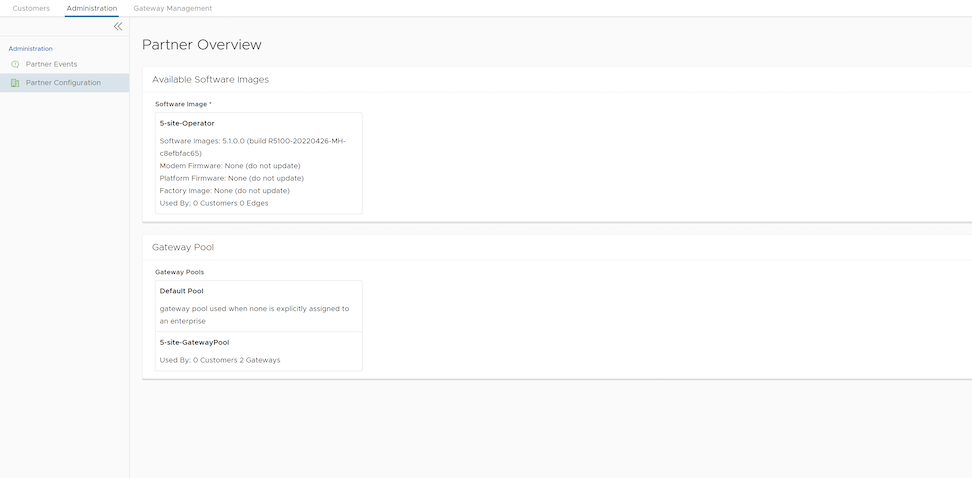
Table 1. Partner Overview Option Descriptions Option Description Available Software Images Displays all the software images assigned to the Partner by the Operator. You can assign the software images to your Enterprise customers from this list. Gateway Pool Displays the Gateway pools assigned to the Partner by the Operator. You can assign the Gateway pools to your Enterprise customers from this list.
To assign the software images and Gateway pools to a customer, see Create New Partner Customer and Configure Partner Customers.