
Connecting the Access Point to the Network
Note:If zero configuration fails, you must configure the AP manually.
Important:If you do not have DHCP enabled on a subnet, the AP cannot connect to that subnet with zero-configuration. If the DNS entry does not exist on the DNS servers, or if you do not have the DHCP server running on the subnet, you must manually configure the AP.
Connecting the Access Point using PoE
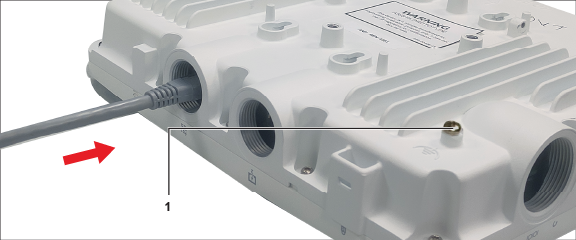
The figure shows the LAN cable inserted to the LAN1 Port. Label l points to the relative position of the grounding screw on the AP.
For PoE port details, see the Rear Panel section.