Monitor Events
- Login to the Orchestrator as a Partner and select to view the events.
Figure 1. Monitor Partner Events 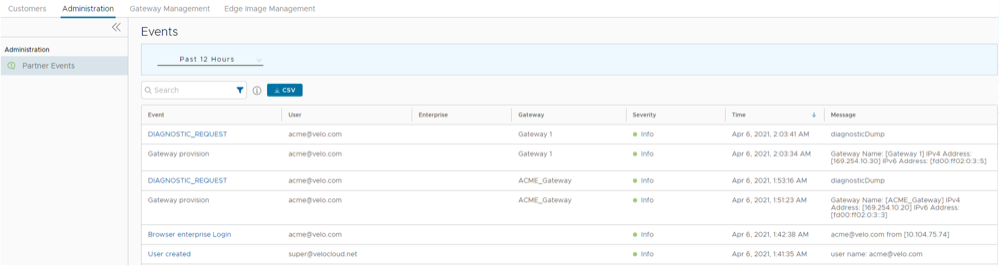
The page displays the recent events. You can select the link to the events to view additional details.
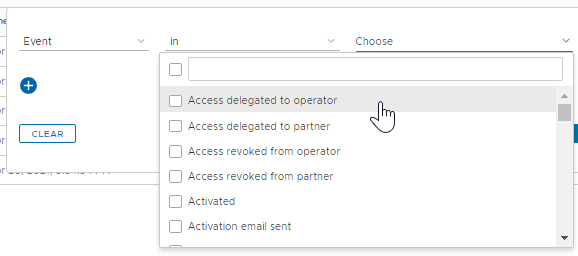
Note: The Events page displays a maximum of 2048 Events. To view specific Events, you can use the Filter option. - In the Search field, enter a term to search for specific details. Select the Filter icon to filter the view by a specific criteria. In the Filter, choose Event and select the drop-down arrow next to the field to view the list of Partner Events available and to filter by specific Events.
Figure 2. Search Events using Filter