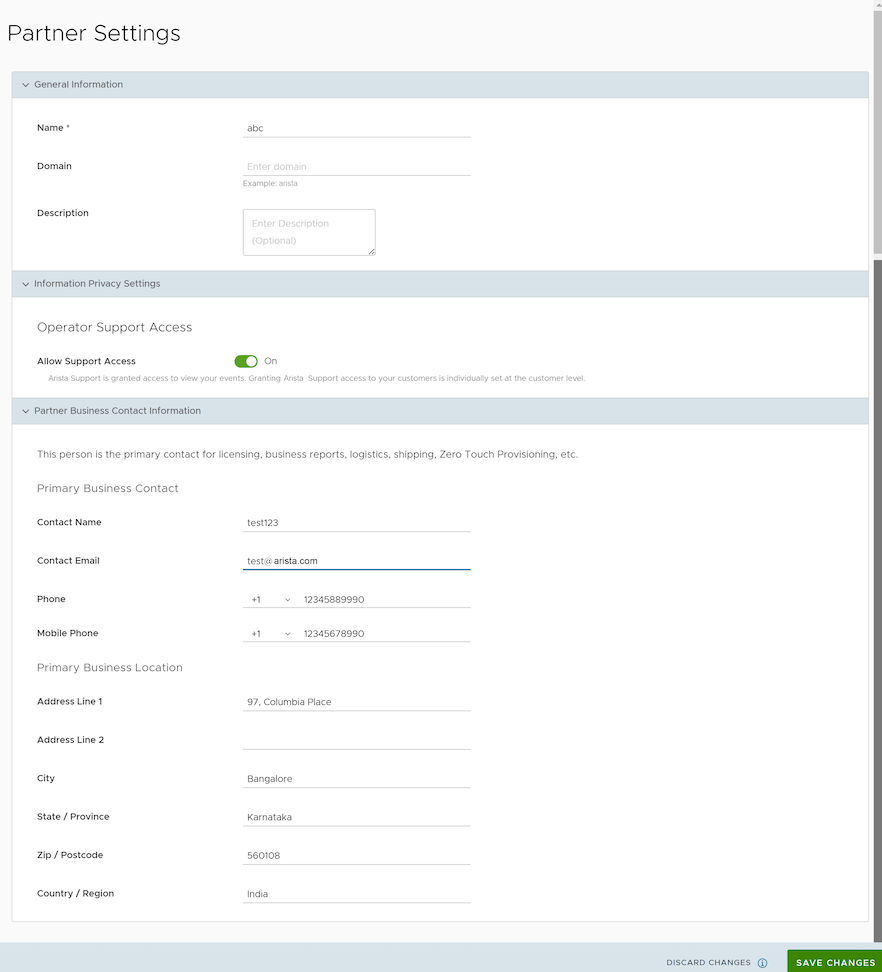
| Name |
You can edit the Partner name. |
| Domain |
You can edit the Partner domain name. |
| Description |
Enter a description. This field is optional. |
| Operator Support Access |
This option is activated by default, indicating that Arista Support can view Partner level events.
Note: When deactivated, the Operator can no longer edit the settings of the selected Partner. Only the Partner can activate this setting from the Partner portal.
|
| Partner Business Contact Information |
Enter information of the primary person in charge of licensing, business reports, logistics, shipping, Edge auto-activation, etc. |